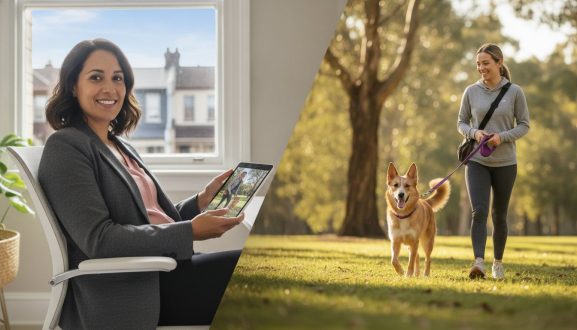

Pet owners love knowing exactly where their dog went on a walk — and sharing your route is a simple way to build trust and get great reviews.
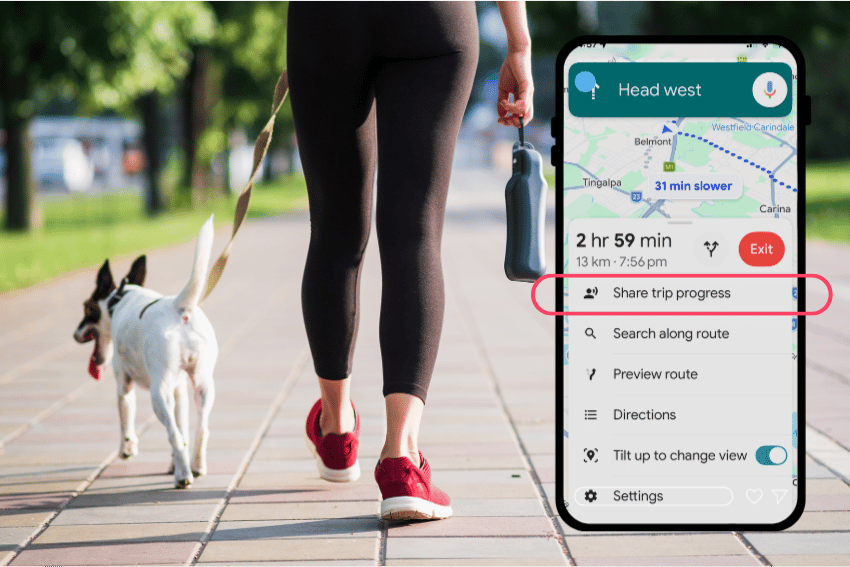
Until GPS walk tracking is built directly into the PetCloud app, here’s how you can share your route using Google Maps.
Step 1 — Make sure Location History is turned on
Before the walk, check that Google Maps is tracking your location:
- Open Google Maps → tap your profile photo → Settings → Personal content → Location History → turn on
Step 2 — Complete the walk as normal
Google Maps will automatically record your route in the background. No need to start or stop anything.
Step 3 — Take a screenshot of your route
After the walk:
- Open Google Maps
- Tap your profile photo → “Your Timeline”
- Navigate to today’s date
- Take a screenshot showing the full route
Step 4 — Send it to the pet owner
Open your PetCloud messages with the owner and attach the screenshot. A short message like “Here’s the route we took today — [dog’s name] loved the park!” goes a long way.
Tips for a great walk update
- Include a photo of their pet on the walk alongside the route screenshot
- Note anything interesting — favourite spots, how the dog behaved, water stops
- Send it shortly after the walk while it’s fresh